
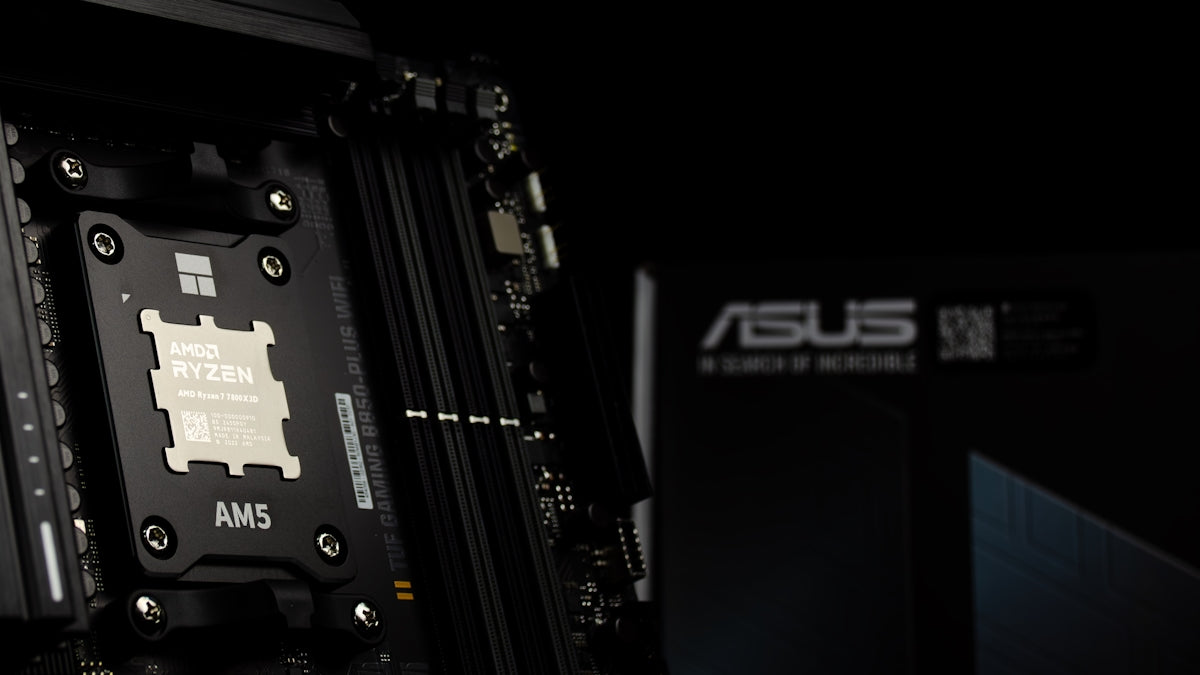
Buying a gaming graphics card can be challenging due to the sheer number of options and technical specifications to consider. In this article, we'll review the 19 most common mistakes people make when purchasing gaming graphics cards and offer practical tips to avoid them. From compatibility issues to the specifications that truly matter, we'll help you make the best choice for your gaming needs.
1. Failure to Verify Component Compatibility
Before buying a graphics card, make sure it's compatible with your current system. Checking aspects like the card's physical size and PCIe connection type is essential to avoid unpleasant surprises.
2. Ignoring Gaming Performance

It's easy to get caught up in the technical specifications, but what really matters is how all that translates into gaming performance. Models like the PNY GeForce RTX 4070 Ti 12GB XLR8 Gaming VERTO EPIC-X offer excellent performance at 1440p resolutions.
3. Focus Only on Card Memory
It's a common misconception that more memory always means better performance. However, this isn't always the case. Other factors, such as clock speed and architecture, can have a more significant impact on performance.
4. Forgetting the Power Supply Capacity

High-end graphics cards like the PNY GeForce RTX 5090 32GB ARGB require a robust power supply. Always verify that your power supply can provide the necessary power.
5. Overestimating the Benefits of Overclocking
Overclocking can offer performance improvements, but often at the cost of more heat and higher power consumption. Make sure you understand these trade-offs before opting for an overclocked graphics card.
6. Not Considering Refrigeration

Cooling is crucial for the performance and longevity of a graphics card. Models with multiple fans, such as the ZOTAC GAMING GeForce RTX 3060 Twin Edge OC , typically offer more efficient and quieter cooling systems.
7. Buy Only by Brand
While well-known brands generally offer quality, not all graphics cards from the same brand will perform equally. Research the specifications and user reviews to get a complete picture.
8. Ignoring Space Requirements
Check the available space inside your computer case before making your purchase. Some graphics cards, such as the PNY GeForce RTX 5080 16GB Overclocked Triple Fan , require significant space due to their size.
9. Do not compare similar models
Different versions of the same GPU can vary considerably in features and price. Compare similar cards to find the one that offers the best balance between cost and performance.
10. Ignoring the Type of Games You Play
The most powerful graphics cards, such as the PNY GeForce RTX 4090 24GB VERTO Triple Fan DLSS 3 , are ideal for demanding 4K gaming, but they can be overkill if you only play less intensive titles.
11. Ignoring New Technologies
Innovations like DLSS can significantly improve graphics quality and performance without requiring top-of-the-line hardware. Explore the latest technologies that can optimize your gaming experience.
12. Underestimating the Importance of Controllers
Make sure you always have the latest drivers to get the most out of your graphics card. Manufacturers like Asus and Zotac frequently update their drivers to improve stability and performance.
13. Not Considering the Future
Think about your future needs. If you plan to upgrade your monitor to 1440p or 4K, consider investing now in a graphics card that supports it properly.
14. Ignorance of the Warranty and Support
It is always advisable to choose products that offer a good warranty and efficient customer support in case of problems.
15. Buying without comparing prices
Price fluctuations can be significant between retailers. Check sites likeGSMPRO to find competitive deals on the best graphics cards on the market.
16. Assuming that all stores are the same
Not all stores offer the same level of service or guarantees. It's important to buy from reputable places with good return policies.
17. Underestimating the Importance of Reading Reviews
Reviews from other buyers can offer valuable insights into the actual performance of a graphics card in different scenarios.
18. Not Taking Advantage of Optimization Software
Software like Asus's offers automatic optimization to improve the gaming experience without needing to manually adjust each parameter.
19. Believing in the "Lowest Cost" Myth
Choosing the cheapest option may mean sacrificing performance or support. Evaluate the long-term value before deciding based solely on price.
Buying a graphics card can be a significant investment, both in terms of money and gaming experience. Take the time to research and choose a card that not only meets your current needs but also has room for future upgrades.