
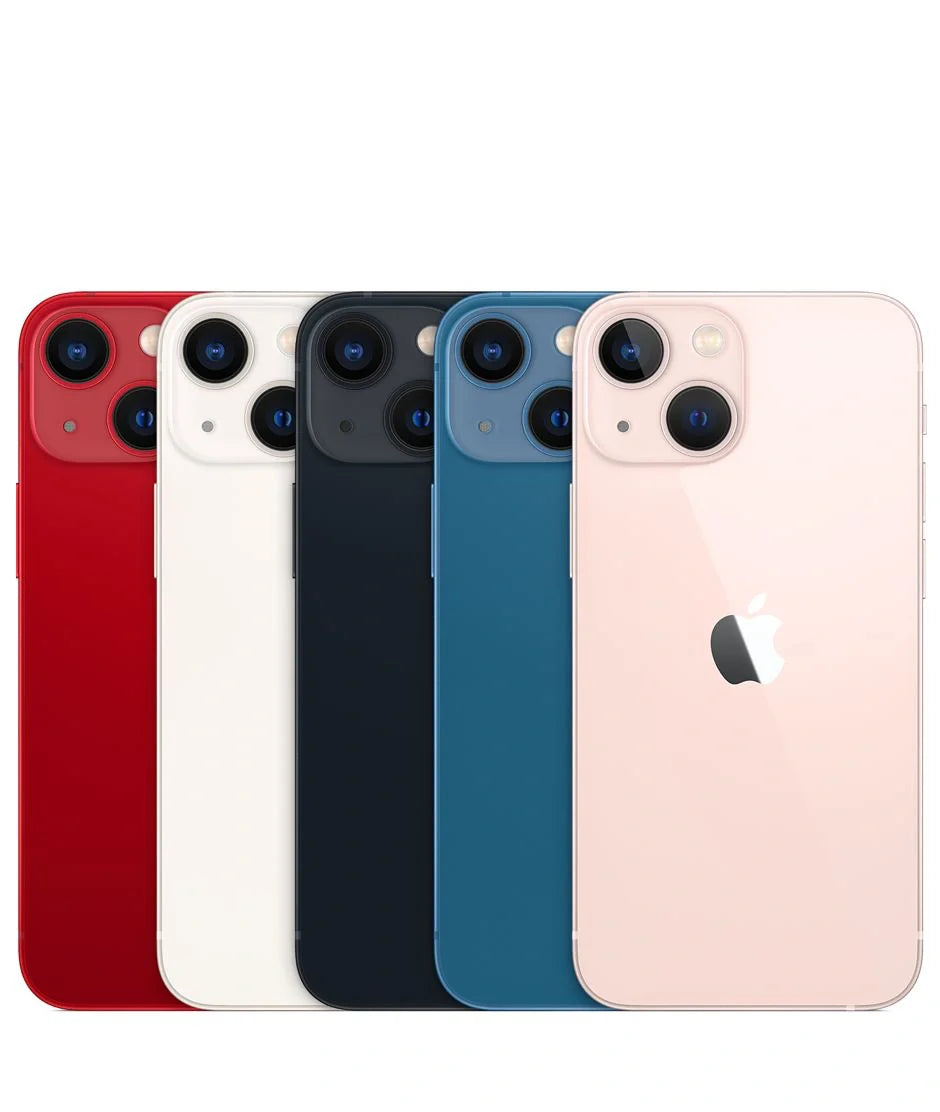
Have you ever been frustrated because your iPhone isn't as fast as you'd like? Often, after upgrading to a newer model, like the iPhone 16 or 16 Pro Max, we expect lightning-fast speed. However, sometimes we need to give it a little push to get it running at its best. Over the years, I've learned a few tricks that really make a difference. Here are my top 3 tips for keeping your iPhone running at top speed.
1. Memory Maintenance: Free Up Space Regularly

In my experience, one of the most common reasons an iPhone slows down is a lack of storage space. Remember, your iPhone works best when it has free space.
- How to do it: Review the apps you don't use and delete them. Photos and videos take up a lot of space, so consider transferring them to iCloud or an external hard drive.
- Why it matters: An iPhone with more free space is a faster iPhone, as it has more memory to complete processes.
If you have a used or older model like the Apple iPhone 12 Pro Max , this practice is even more crucial.
2. Update the Operating System

Over the years, I've realized that delaying iOS updates only leads to more problems. For example, when Apple released iOS 14, many users experienced a speed increase after updating.
- How to do it: Go to Settings > General > Software Update and make sure your iPhone is always on the latest version.
- Why it matters: Updates not only bring new features, but also performance improvements and bug fixes.
If you're considering upgrading, models like the iPhone 16 Pro Max already come with the latest optimizations.
3. Restart Your iPhone Regularly
This trick might seem very basic, but restarting your iPhone really works wonders. I do this myself at least once a week.
- How to do it: Press and hold the side button and either volume button until the power off slider appears. Once it's off, press and hold the side button to turn it back on.
- Why it matters: A restart frees up RAM and ends background processes, improving overall performance.
These small details are what make the difference between an iPhone that simply works and one that works exceptionally well.
If you're looking to enhance your experience with a new device, be sure to visit our iPhone collection page to discover the latest and most efficient models.
What are your favorite tricks for keeping your iPhone fast? I'd love to read your comments and maybe learn something new from you too.
Explore more iPhone options at GSMPro where you'll find a variety of models tailored to your needs.