
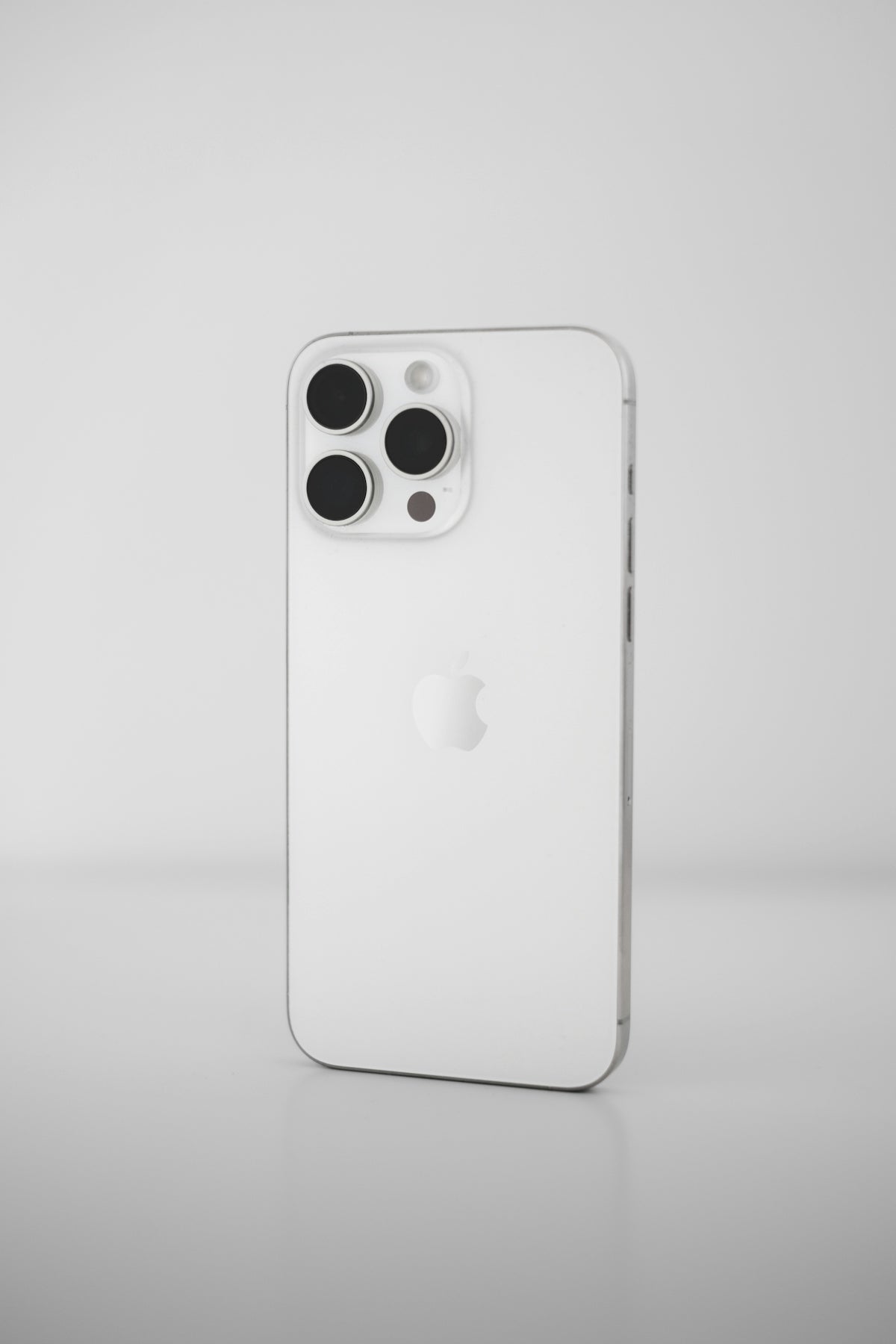
Have you ever felt like your iPhone doesn't truly reflect who you are? As a tech enthusiast and loyal iPhone user since the 3GS, I've learned that personalizing my device is essential for it to feel truly mine. In this article, I'll share some tips based on my experience that I hope will help you personalize your iPhone to suit your taste and lifestyle.
Start with the Home Screen

The Home Screen is like the gateway to all your iPhone experiences. In the era of iPhone 16, stay up-to-date with the latest model here ; the power to personalize it offers you many possibilities.
- Custom Icons : With the "Shortcuts" feature, you can change app icons to your preferred images. This gives your phone a unique look.
- Widgets : Since iOS 14, widgets provide quick information at a glance. Customize their sizes and keep the essentials front and center.
Set Inspiring Wallpapers

Choosing the right wallpaper can completely change the feel of your device. Personalize it with one that inspires you or uses a meaningful photograph. In my case, I've downloaded space-themed wallpapers whenever I get a new model, like the iPhone 16 Pro Max. You can see the model here .
Adjust Notification Settings
Nothing is more disruptive than constant notifications. In my experience, adjusting which apps can send notifications makes all the difference. Make sure you only receive the notifications you actually want, and you'll see your productivity increase.
- Do Not Disturb mode : Use it to ensure uninterrupted periods of disconnection. I customize the exceptions so only my favorite contacts can reach me at crucial times.
Explore the iPhone Collection

If you're just starting to consider which model to buy and customize, I recommend exploring our collection of iPhones . From refurbished iPhones like the iPhone 14 Pro (see here) to newer models, there are always options to suit your needs.
Personalizing your iPhone isn't just about aesthetics; it's about making your device work for you, showcasing what truly matters to you. How have you customized your iPhone to make it stand out? Let me know in the comments!
For more content about technology and iPhones, I invite you to visit our GSM Pro site.