
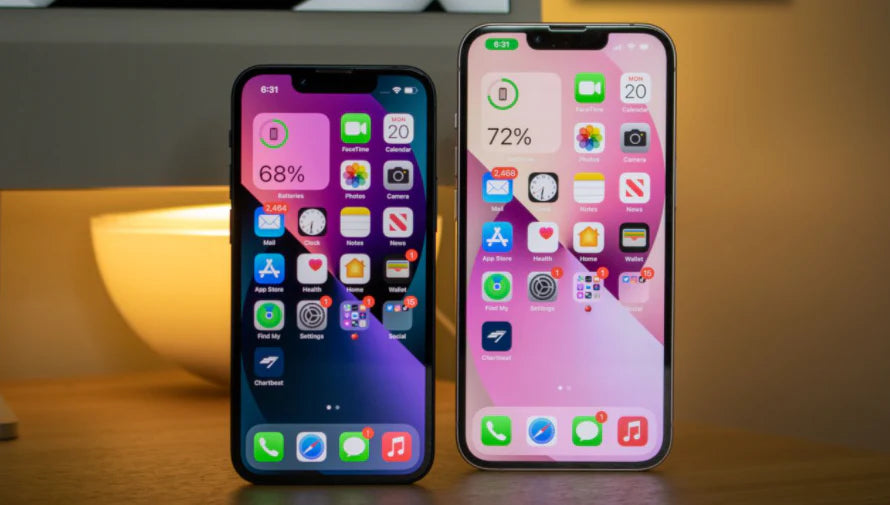
In my first experience with an iPhone over a decade ago, I was impressed by how intuitive the screen was. However, one thing I quickly learned is that adjusting the brightness properly can significantly improve the user experience and battery life. Now, with the passage of time and models like the iPhone 15 Pro , I've honed this skill and want to share some practical tips with you.
Why is it important to adjust the brightness?
The brightness of your iPhone screen not only affects visibility but can also significantly impact battery life. High brightness in dark environments can strain your eyes, while low brightness outdoors can make reading difficult. Finding the right balance is key.
Tips for Adjusting Brightness
Activate Automatic Brightness
In my experience, one of the easiest ways to manage brightness is by using the automatic brightness feature. This utility adjusts the screen brightness according to the ambient light. I've found that this is not only convenient but also saves energy.
- How to activate it: Go to Settings > Accessibility > Display and text size and turn on Auto Brightness .
Manual Adjustment
If you're like me and enjoy having absolute control over your device, manual adjustment is your best option:
- Quick access: Swipe down from the top right corner to open Control Center and adjust the brightness using the slider.
- Personal recommendation: I adjust the brightness to half when I'm indoors and increase it when I go outside.
Dark Mode

Dark mode is not only aesthetically pleasing, but it also reduces battery consumption on devices with OLED screens, such as the iPhone 13 Pro . By incorporating this mode into my daily routine, I've experienced less eye strain at night.
Models Worth Considering

If you're thinking about upgrading your device, I suggest considering the latest models that incorporate advanced display technologies, such as the iPhone 14. These offer an optimized viewing experience, making brightness adjustment even more effective.
To see more options, visit the iPhones collection .
Final Reflection
Adjusting your iPhone's brightness might seem simple, but doing it effectively can change your daily experience in ways you never imagined. What's your routine for adjusting your device's brightness? I'd love to read your comments and experiences.
For more information and advice about iPhones, visit GSMPro .