
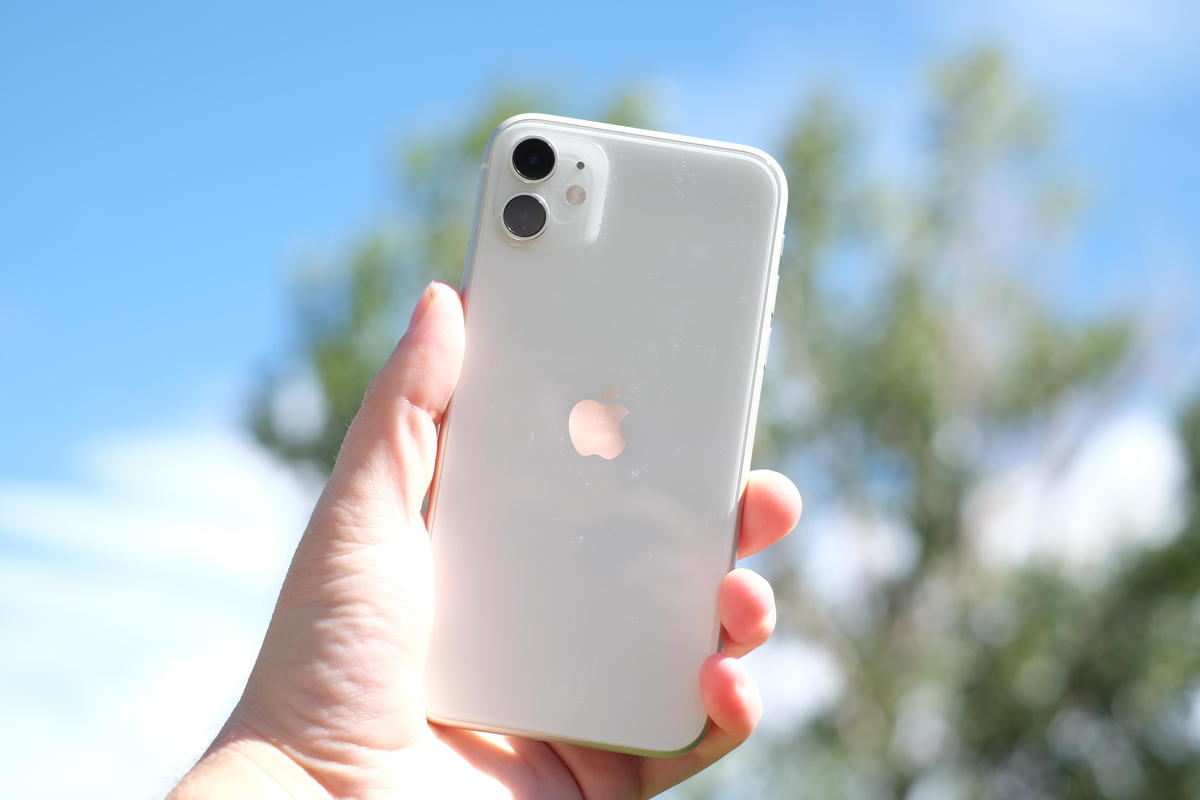
I'm one of those people who's always looking for ways to get the most out of their iPhone. Ever since I started with the iPhone 4, I've been trying to uncover those hidden tricks that make the user experience truly special. Today, I want to share with you five iPhone secrets that I think are fantastic and could improve your daily life, especially if you're like me, a loyal iPhone fan.
1. Adjust the Home Button Double-Click Speed

I remember being a little frustrated with how quickly I had to press the Home button to access multitasking on my old iPhone 6. If you're using a model with a physical Home button, like the pre-owned iPhone 11, you can adjust the double-click speed. Just go to Settings > Accessibility > Home Button . This can make life a lot easier for your thumbs!
Discover the pre-owned iPhone 11 here .
2. Customize your Control Center

Customizing Control Center is one of those gems that really makes accessing your favorite features easier. All my friends with a refurbished iPhone 12 Mini have found this tip helpful. Go to Settings > Control Center > Customize Controls . This will give you easy access to tools like screen recording, which I personally use often to show my family how to troubleshoot technical issues.
Explore the Refurbished iPhone 12 Mini here .
3. “Do Not Disturb” mode while driving
This is one of my favorites. I always use this feature when I'm commuting to stay focused. When your iPhone detects that you're driving, it will automatically silence notifications. Set it up in Settings > Do Not Disturb > Turn On Auto . I think Apple really considered our safety by including this.
4. Use "Find My iPhone" for Things Beyond iPhone
Once, I lost my Apple Watch at home, and thanks to the "Find My iPhone" feature, I was able to make it play a sound until I found it. It's incredibly useful and really saves the day if you're forgetful like me. Make sure you have it turned on in Settings > [Your Name] > Find My > Find My iPhone .
5. Optimize Battery with Optimized Charging
When I was still using my iPhone 11 Pro Max, I noticed that battery life improved with optimized charging. It helps extend battery life by learning your charging habits. You can turn it on in Settings > Battery > Battery Health . I created a routine based on leaving it charging overnight so I would always wake up with a 100% battery.
View the full collection of iPhones here .
These little secrets have made my experience with the iPhone much more bearable, and I hope that one of them will become your new favorite shortcut.
And you, what tricks have you found useful on your iPhone? I'd love for you to share them in the comments. Let's keep exploring together!
To learn more about other iPhone models and options, visit GSMPro .