
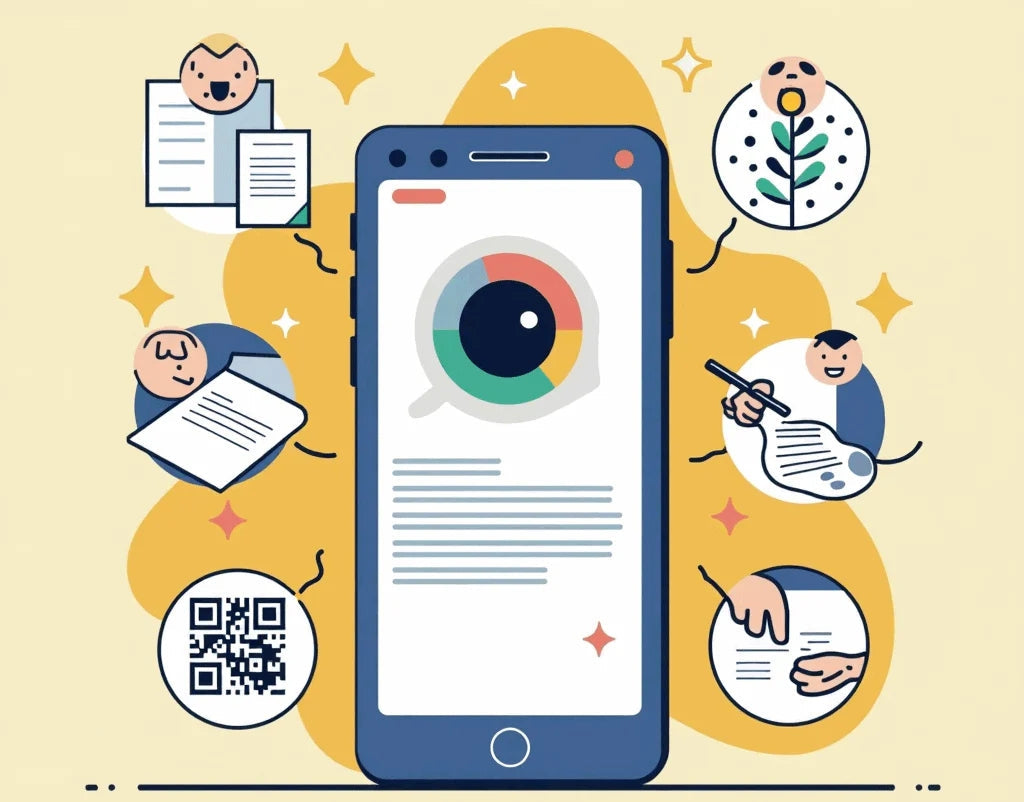
Hello, digital explorers! 👋 Are you ready to unlock the hidden potential of your smartphone and its camera lens? 📱✨ Get ready to dive into the fascinating world of the Google Lens app, the revolutionary tool that is transforming the way we interact with our surroundings! 🌍🚀
What is Google Lens and Why You Need to Know It? 🤔
Imagine having an AI-powered personal assistant that can perform a visual search for anything you see, offer real-time translation, and even help you search by image for that outfit you love. That's Google Lens! 🧠👀
Google Lens is like having a magic wand in your pocket. By simply pointing your smartphone camera, you can:
-
Identify plants and animals 🌿🐾
-
Translating foreign menus during your international travels 🍽️🗺️
-
Find similar products to buy with a simple photo search 🛍️💯
-
Solve math problems using optical character recognition (OCR) 🧮🤓
-
Copy text from images to make note-taking easier 📝
-
And much more!
How to Use Google Lens Like a Pro 😎
1. Activate your Visual Superpower 👁️
To start using the Google Lens app, you just need:
-
A smartphone with a camera (easy!)
-
The Google app or Google photos enter
-
Google Lens for free (yes, it's totally free!)
-
Curiosity to explore!
2. Explore the World with New Eyes 🌈
Here are some tips to get the most out of this revolutionary tool:
-
Tourist Mode : Point at monuments and learn about their history. You'll be the coolest tour guide on your trips abroad! 🗽🤳
-
Digital Chef : Scan ingredients and get recipes. Your kitchen will never be the same! 👨🍳🥘
-
Fashionista Tech : Capture outfits on the street and find where to buy them using visual search. Goodbye, style envy! 👗👔
3. Secret Tricks for Epic Results 🎭
-
Make sure you have good lighting for better object recognition 💡
-
Keep your camera steady for best results when searching by photo on Google 📸
-
Experiment with different angles for difficult objects and get visually similar images 🔄
-
Use the search for similar images feature to find similar products online 🔍

The Future is Now: Google Lens in 2025 🔮
Did you know that by 2025, Google Lens, with its advanced AI and neural machine translation technology, is expected to:
-
Recognizing emotions in real time, improving multilingual communication and breaking down language barriers 😃😢
-
Create 3D models of scanned objects, revolutionizing vision-based processing 🏺🖨️
-
Integrate augmented reality for immersive experiences when exploring places 🕶️🌆
-
Facilitate language learning through instant and contextual translation 🗣️📚
Let's Explore! 🚀
Google Lens is more than a tool; it's your passport to a world of discovery and a key to breaking down communication barriers. Whether you're studying, enjoying international travel, or just exploring your city, Google Lens has something amazing to offer.
Google Lens interaction goes beyond simply searching for a photo. It's a gateway to globalization and cultural understanding. Imagine being able to translate menus at any restaurant in the world, discover products with just a photo, or even use built-in translation apps to communicate seamlessly across countries.
Which visual adventure will you embark on first with the Google Lens app? Will you use Google Translate to decipher signs in an unfamiliar language? Or maybe you'll do a visual search to identify a work of art? Tell us in the comments! 💬👇
Remember, with great power comes great responsibility... and lots of fun! So get out there and start scanning the world with your smartphone camera. The future of interacting with the world through Google Lens awaits, and it's full of exciting pixels! 🌟📱🔍
And don't forget, Google Lens is available not only for your smartphone, but also as Google Lens for iPhone for iOS users and Google Lens for PC when you need that visual power on your computer. With integration with other apps, the possibilities are endless.