
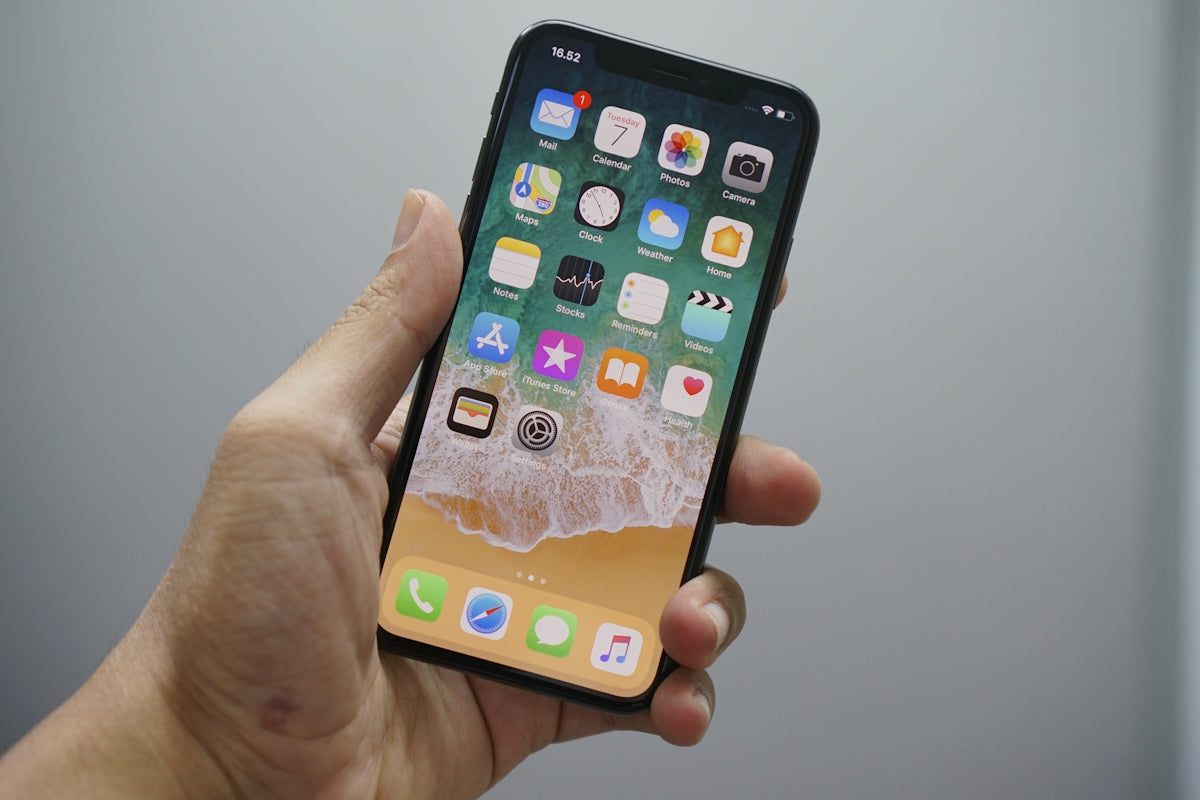
A while back, I was at an important event and my iPhone died at noon. It was a brutal reminder of how crucial battery life is in our daily lives. Since then, I've become an expert at getting the most out of my iPhone, whether it's an iPhone 5s or the latest iPhone 17 Pro . If you've also experienced the frustration of a battery dying at the worst possible moment, these tips are for you.
Optimize Brightness
Adjusting your screen brightness can significantly impact battery life. I keep auto-brightness enabled to adapt to lighting conditions, but in my experience, manually reducing it a bit more makes a big difference. Try sliding the control down until it's comfortable, especially indoors.
Low Power Mode
Low power mode is my constant ally. Not only does it reduce energy consumption by lowering performance in non-essential areas, but it practically doubles my battery life in critical situations. Activate this feature from the "Battery" option in settings and see the difference.
Close background applications
I remember when I had the iPhone 13 Mini and had dozens of apps open. All those apps drained the battery even when you weren't using them. Make it a habit to regularly close the ones you don't need right away. This not only saves battery, but also improves overall performance.
Disable Background Refresh
Once, after an iOS update, I noticed my battery was draining faster than usual. The culprit: background app refresh. So, in "General" and then "Background App Refresh," I disable this option for apps that don't constantly use data. This has always resulted in extra battery life for me.
Use Airplane Mode in Areas with Poor Coverage

When I'm in areas with poor signal, my iPhone works harder to find a connection, draining the battery. I turn on airplane mode in those places and only connect to Wi-Fi when necessary. This has helped me a lot, especially when traveling out of town.
Exploring the world of iPhones has taught me countless valuable lessons. If you're considering upgrading your device, you might want to check out options like the used iPhone 15 Plus available at GSMPro .
Do you have any battery-saving tips that have worked for you? I'd love to read them in the comments.