
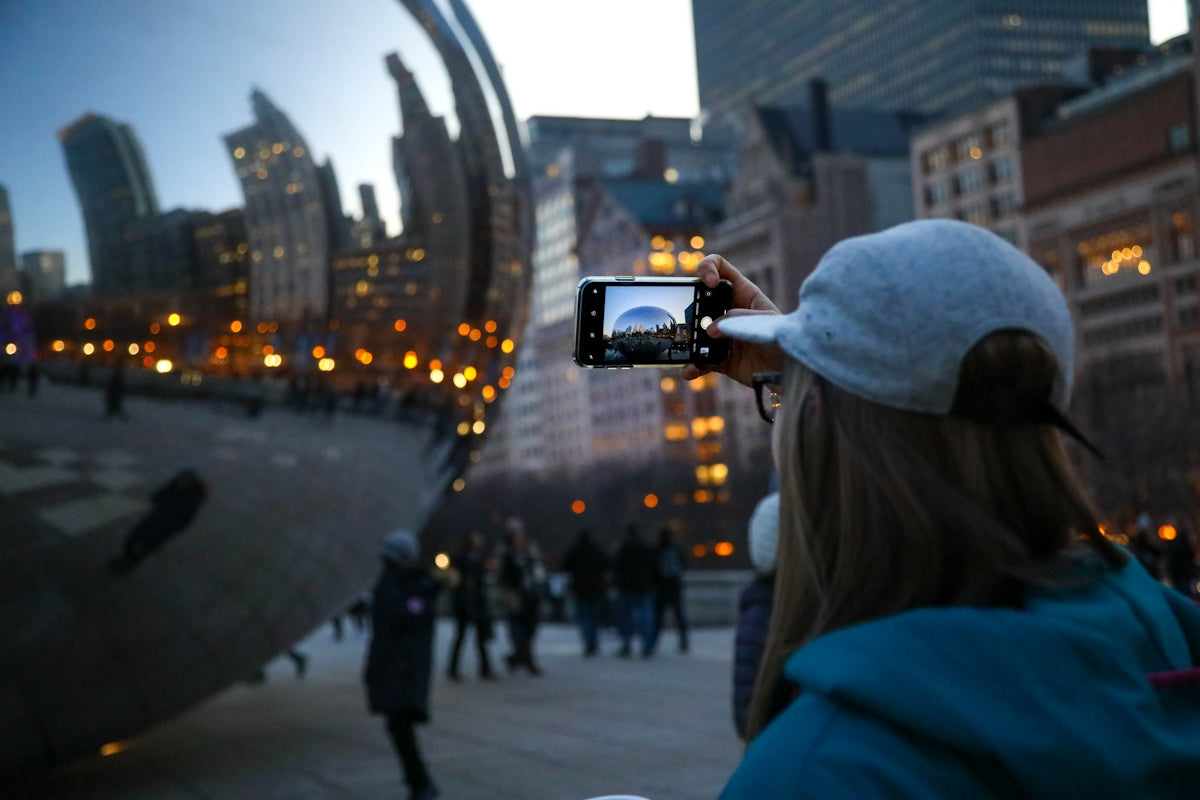
Like many of you, my iPhone is an extension of myself; I use it for everything from managing my calendar to enjoying my favorite podcasts. But let's be honest, who hasn't struggled with a rapidly draining battery or sluggish performance when we need it most? Today I want to share some tips I've learned over the years to improve the performance of our iPhones.
1. Keep Your Operating System Updated

One of the first lessons I learned was the importance of always having the latest version of iOS. Apple releases updates regularly to fix bugs and improve performance. In my experience, updating my iPhone often resolves lag issues or crashing apps. Furthermore, these updates bring new features that enhance the user experience.
Practical Tip : Before upgrading, make sure you have enough storage space and sufficient battery power on your device. If you're looking for an iPhone that stays on the cutting edge of technology, consider the iPhone 16 .
2. Check your storage
I can say with absolute certainty that storage space is one of the most critical aspects of an iPhone's performance. I remember learning this lesson when my iPhone 6 started running terribly slowly years ago. Cleaning up your storage isn't just beneficial, it's essential.
Practical Tip : Use iOS's 'Storage Recommendations' feature to see which items are taking up the most space and remove anything unnecessary. If you're looking to expand your device collection, don't forget to explore the iPhones available on the market.
3. Manage your Applications

I'm sure I'm not the only one who impulsively downloads apps and then forgets about them taking up space. Uninstalling the ones you don't use regularly can significantly improve your device's performance.
Practical Tip : Check your apps at least once a month. If you're looking to protect your favorite device from accidental drops while managing your apps, a solid option is the Matte Magnetic Case for iPhone 17 .
4. Reduce Screen Brightness

This tip might seem trivial, but trust me, it makes a noticeable difference. Having your screen brightness set too high not only drains your battery but also impacts your energy efficiency.
Practical Tip : Turn on 'Auto Brightness' in your display settings or manually adjust the brightness to better suit your surroundings. This is especially useful on models like the refurbished iPhone 13 Pro Max .
5. Limit the Use of Location Services
While location services improve the functionality of certain apps, using them constantly can slow down your iPhone and reduce battery life.
Practical tip : Configure apps to only use your location when necessary. Has anyone else encountered this problem before?
6. Turn off Unnecessary Notifications
Constant notifications aren't just annoying; they can also slow down your device. Personally, turning them off has improved both my battery life and my concentration.
Practical Tip : Go to 'Notifications' in the settings and customize which ones you actually want to receive.
7. Use Battery Saving Mode
If you often find your battery hovering around 10% by midday, Battery Saver mode becomes an essential tool. It not only extends battery life but also helps your iPhone run more efficiently.
Practical Tip : Activate it through the Control Center to temporarily reduce background activity.
8. Perform a Software Reset Regularly

Every now and then, a restart can do wonders for your iPhone. Especially after lengthy updates or when you notice the device is running slowly.
Practical Tip : Turn your device off and on periodically to refresh its internal systems. This habit has been beneficial for me, especially with the iPhone 16 Pro Max .
9. Consider a Wireless Charger

An additional point I've found useful is charging. Using a wireless charger for iPhone is not only convenient, but it can also help extend the lifespan of the traditional charging port.
What other tips have you found helpful, dear readers? I'd love to hear your own tricks and anecdotes.
For more products and accessories that can enhance your iPhone experience, don't forget to visit the GSMPro website.
I hope these tips are helpful and improve your daily experience with the iPhone!