

When I bought my first iPhone over a decade ago, I never imagined how central it would become to my daily life. My phone is now an extension of myself, and since I use it for everything—from managing my finances to taking unforgettable photos—the security of my personal information is paramount. That's why I've developed a set of essential tips to improve your iPhone's security, and I want to share them with you. These tips are the culmination of many years of learning and experience.
The Importance of Security on the iPhone
You may have wondered, "Do I really need to worry about my iPhone's security?" The answer is a resounding yes. We live in an era where our mobile phones contain not only messages and photos, but also access to our bank accounts, work emails, and sensitive data. My experience has taught me that a security breach can have unexpected and, in some cases, serious consequences.
Tips for Improving Security
Here are some tips that have worked for me:
1. Keep your iPhone updated
I always make sure my iPhone is updated to the latest version of iOS. Apple regularly releases updates that not only improve performance but also fix security vulnerabilities. On my iPhone 15, every update has brought a significant security improvement. Learn more about the latest iPhone models here .
2. Activate Two-Factor Authentication
This is one of those tips I always recommend. Two-factor authentication adds an extra layer of security, meaning that even if someone gets hold of your password, they won't be able to access your account without an additional code.
3. Use a Secure Access Code
A simple gesture like having a longer, more complex passcode can make a big difference. Avoid predictable patterns and opt for an alphanumeric code. This may seem like a small step, but in my experience, every little helps.
4. Activate "Find My iPhone"
This feature has saved my device more than once. Not only does it let you locate your iPhone if it's lost, but you can also remotely lock it or erase its contents if needed. It's one of the best tools you can have to protect your data.
5. Regular Application Monitoring
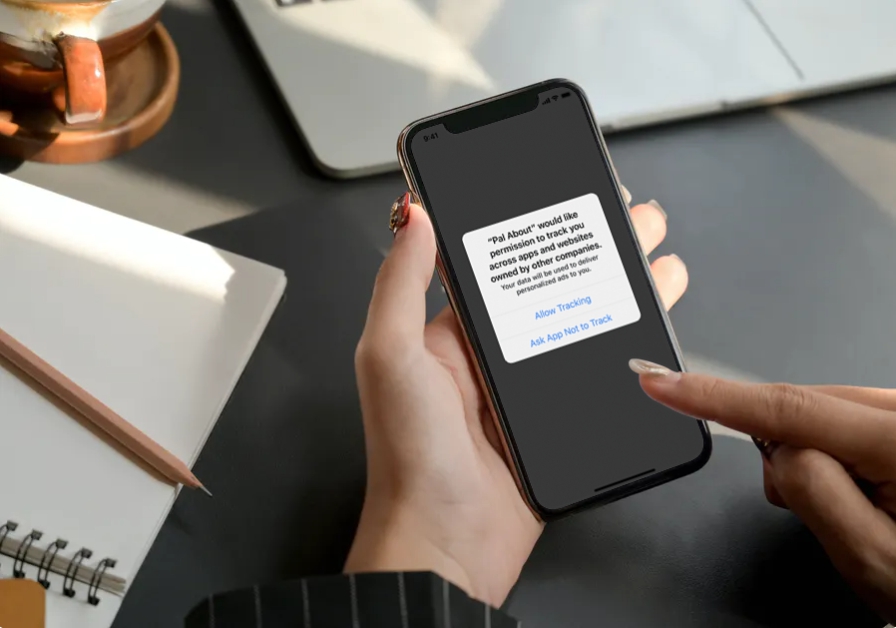
I regularly check which apps have access to certain permissions. We often grant access without thinking about the consequences. A periodic review can help you maintain control over your data.
6. Be careful with public Wi-Fi networks
I always try to avoid connecting to public Wi-Fi networks, but in situations where it's unavoidable, I use a virtual private network (VPN) to protect my data. It's one of the best decisions I've made in terms of security.
7. Use Updated Products
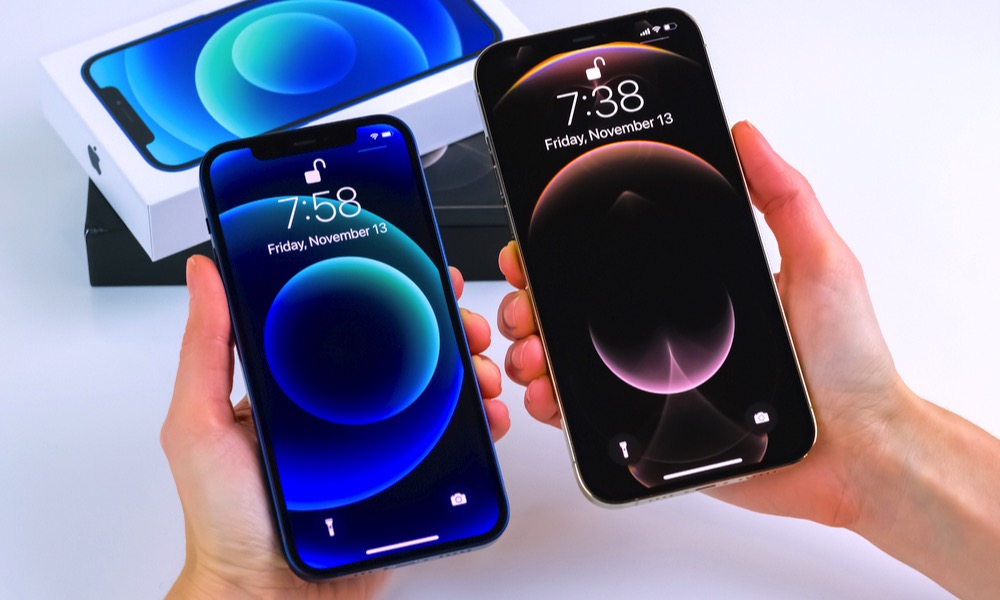
I can't stress enough the importance of using recent iPhones, like my iPhone 17 Pro. Here you can explore the latest models available . Newer models typically have better built-in security features.
Related Products
Final Reflection
My relationship with the iPhone has evolved with each new security feature I've implemented. I'd like to know, what security measures for your iPhone do you consider essential? Share your thoughts in the comments and let's learn together. For more information and related products, I invite you to visit gsmpro.com .