
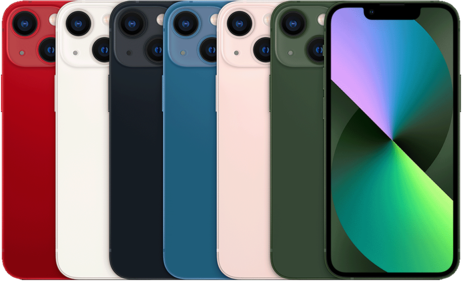
I've been using iPhones since the iPhone 3GS era, and over the years I've discovered several tricks that have made my daily life easier. Has it ever happened to you that you discover a new feature on your iPhone almost by accident and wonder how you ever lived without it? That happened to me recently with my used iPhone 15 Plus (see here) .
The Magic of Voice Control
One of my favorite features is voice control. Many people think it's only useful for sending messages or making calls, but in my experience, it's a fantastic tool in everyday situations. For example, when my hands are busy cooking, I can ask Siri to play my favorite playlist or set the timer.
How to Use It
- Activate Siri by saying "Hey Siri" or pre-configure the side button.
- Give simple commands like "Turn on the flashlight" or "Send a message to mom."
Why is it useful? Because it helps you stay productive without interrupting your daily tasks.
The Versatility of the Control Center

When I got my iPhone 13 Pro Max (available here with a free screen protector) , I discovered the power of Control Center. The flexibility to configure it to suit my needs has been a game-changer.
Quick Customization
- Go to "Settings" and then to "Control Center".
- It adds features such as "Do Not Disturb Mode", "Notes", or "Screen Recording".
This reduces the time you spend searching for settings in the main menu. On busy days, every second counts.
Security: Face ID and Touch ID

I remember when the iPhone 17 Pro Max (see GSMpro.cl) came out with improvements to Face ID. The accuracy and speed of unlocking my iPhone with a simple glance is impressive. But what really won me over was the ability to hide sensitive notifications until I unlocked it.
Configuration
- Go to "Settings" and select "Face ID & Passcode".
- Activate "Unlock with Face ID" and configure your notification preferences.
This not only ensures that my information is safe, but also provides extra peace of mind.
As a tech enthusiast, I'm always looking for ways to get more out of my iPhone. These tips are just the tip of the iceberg; each new generation of iOS brings hidden features waiting to be discovered. Have you discovered any useful tricks lately? Share them in the comments below.
To explore more iPhone options, visit the complete collection of iPhones at GSMpro.cl .
See you in the comments!