
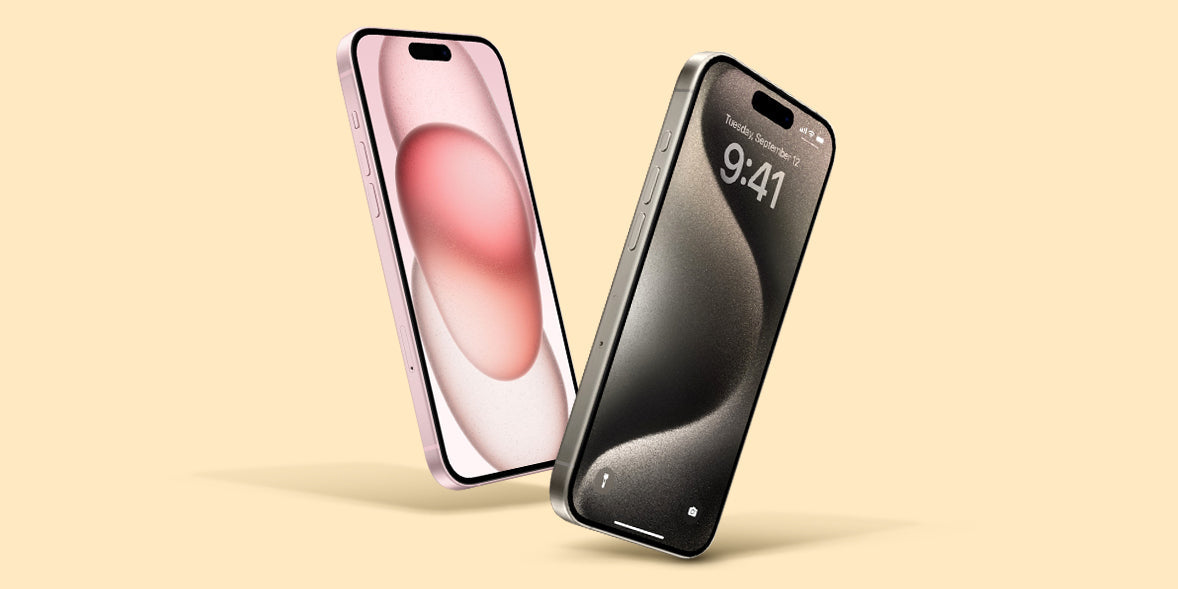
When I bought my first iPhone back in 2007, I had barely any idea how to use all its features. I remember feeling a bit overwhelmed trying to get used to a touchscreen, something completely new at the time. Over the years, my experience with iPhones has evolved tremendously, and here I am now, in 2025, ready to share my knowledge with you. So, if you're new to the iPhone world, this article is for you.
The First Steps: Relieving Initial Stress
Getting started with a new iPhone can be overwhelming, but with a few practical tips, you can quickly gain confidence. One of the first things I recommend doing is setting up your new device. The setup process can be less stressful if you have your Apple ID ready.
Initial Setup
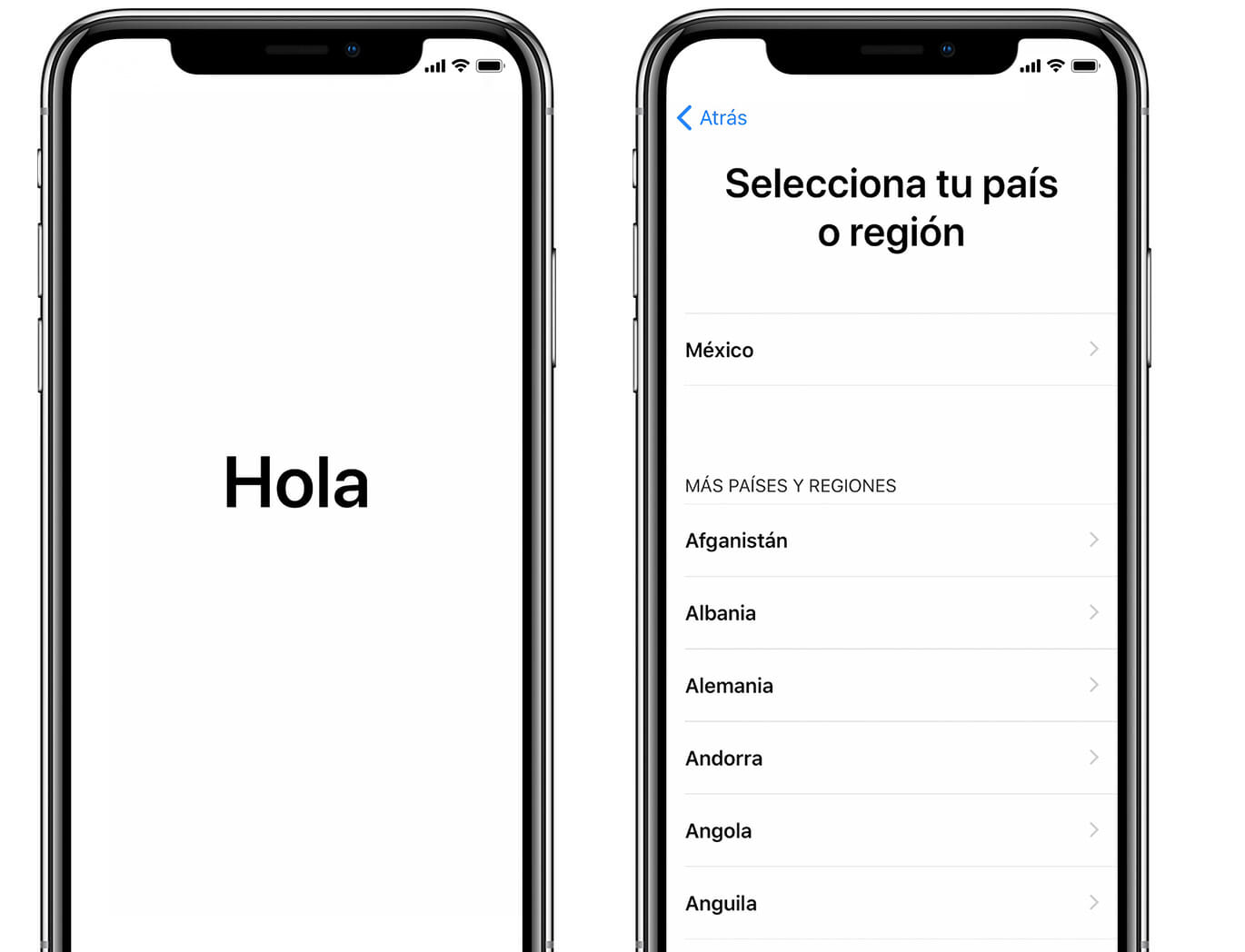
- Connect to Wi-Fi: During initial setup, your iPhone will ask you to connect to a Wi-Fi network. It's important to do this, as it will facilitate data transfer and the installation of software updates.
- Sign in with your Apple ID: This will allow you to access the App Store, iCloud, and other essential services.
- Data Transfer: If you're upgrading from an older model or switching from Android to iPhone, consider using the "Move to iOS" app to move your important data.
With these simple recommendations, you can start your trip off on the right foot. If you're interested, at GSMpro you'll find a variety of models like the iPhone 16e that might suit your needs.
Personalization: Making the iPhone Yours
One of the most enjoyable aspects of owning an iPhone is the ability to personalize it to your liking. Personally, this is something I love to do every time I get a new model.
Wallpapers and Widgets

Current iPhones offer many visual customization options:
- Wallpapers and Lock Screen: Consider choosing images that inspire you or are meaningful to you.
- Widgets: These allow you to have dynamic information on your home screen. On my iPhone, I like to have the Weather widget and the Notes widget for quick access.
Do Not Disturb Mode and Screen Time
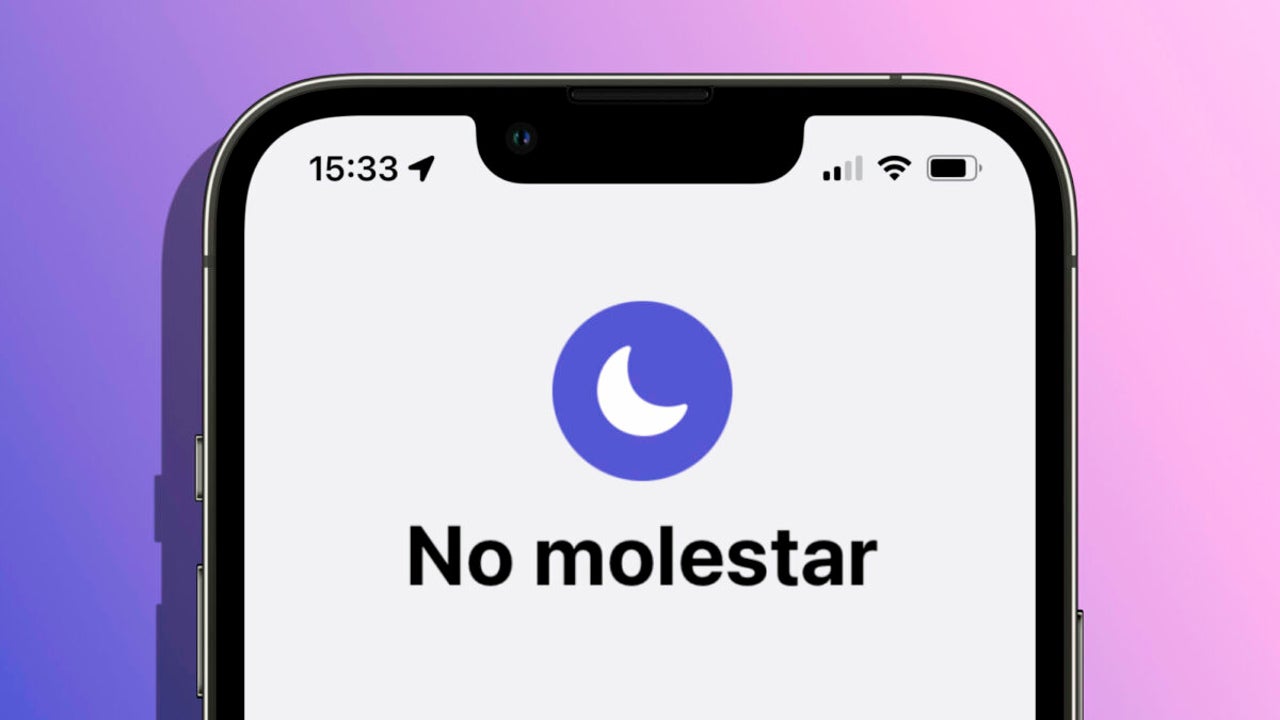
- Configure "Do Not Disturb": This tool allows you to keep noise to a minimum during meetings or at night.
- Screen Time: You can set limits for certain apps, which has helped me reduce the time I spend on social media.
Tips to Get the Most Out of Your iPhone
The iPhone experience becomes even better when you know a series of tricks and shortcuts that make everyday life easier.
Siri and Voice Control
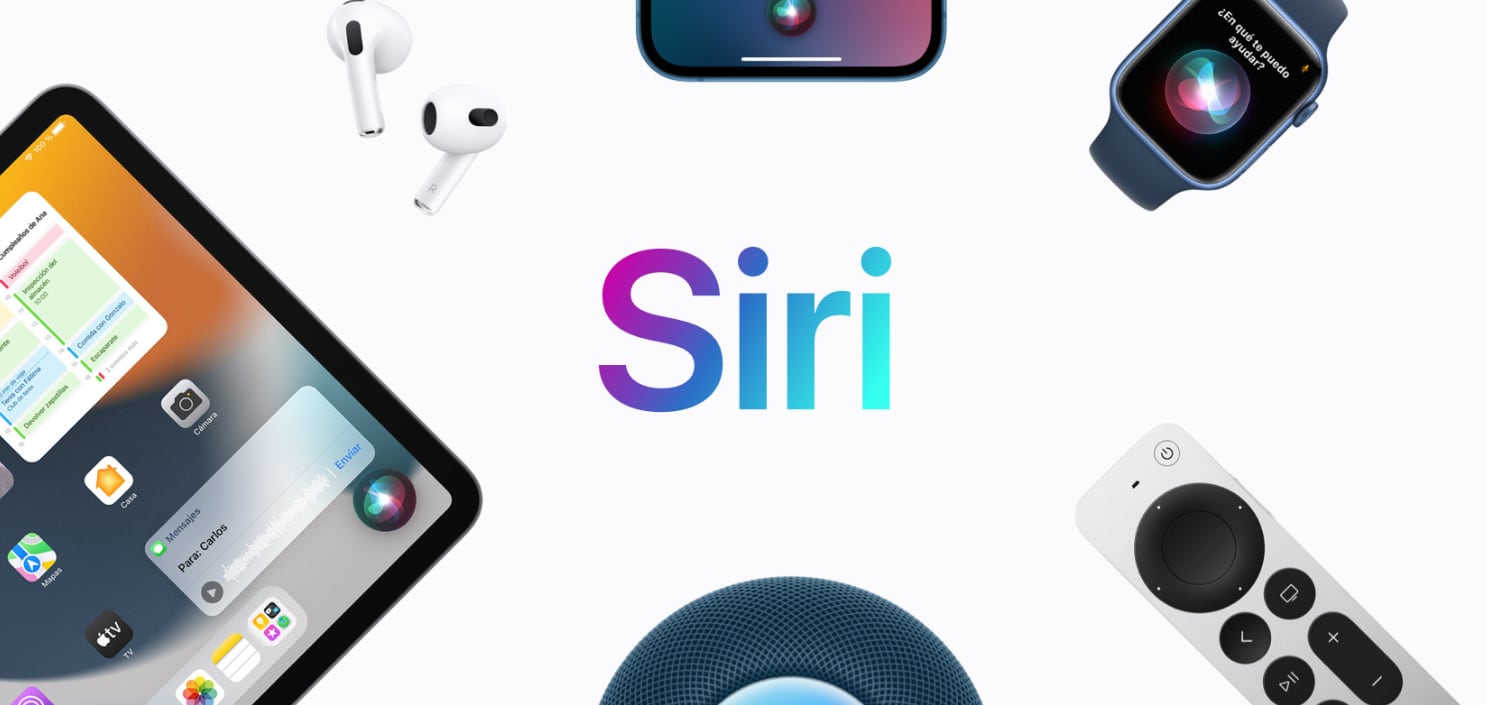
Siri has improved a lot since I first encountered her. Here are some uses I consider essential:
- Quick Reminders: You can ask Siri to remind you of events or tasks without having to open apps.
- Sending Messages: Dictate and send a message without touching the screen, ideal for when you're busy.
Take professional-quality photos

Taking photos has always been fun with the iPhone, but with the latest models, it's a whole new level.
- Night Mode: Ideal for photos in low light conditions.
- Professional Photography on Recent Models: With models like the iPhone 17 Pro , you can capture images that rival professional cameras thanks to its advanced features.
Resources and Additional Help
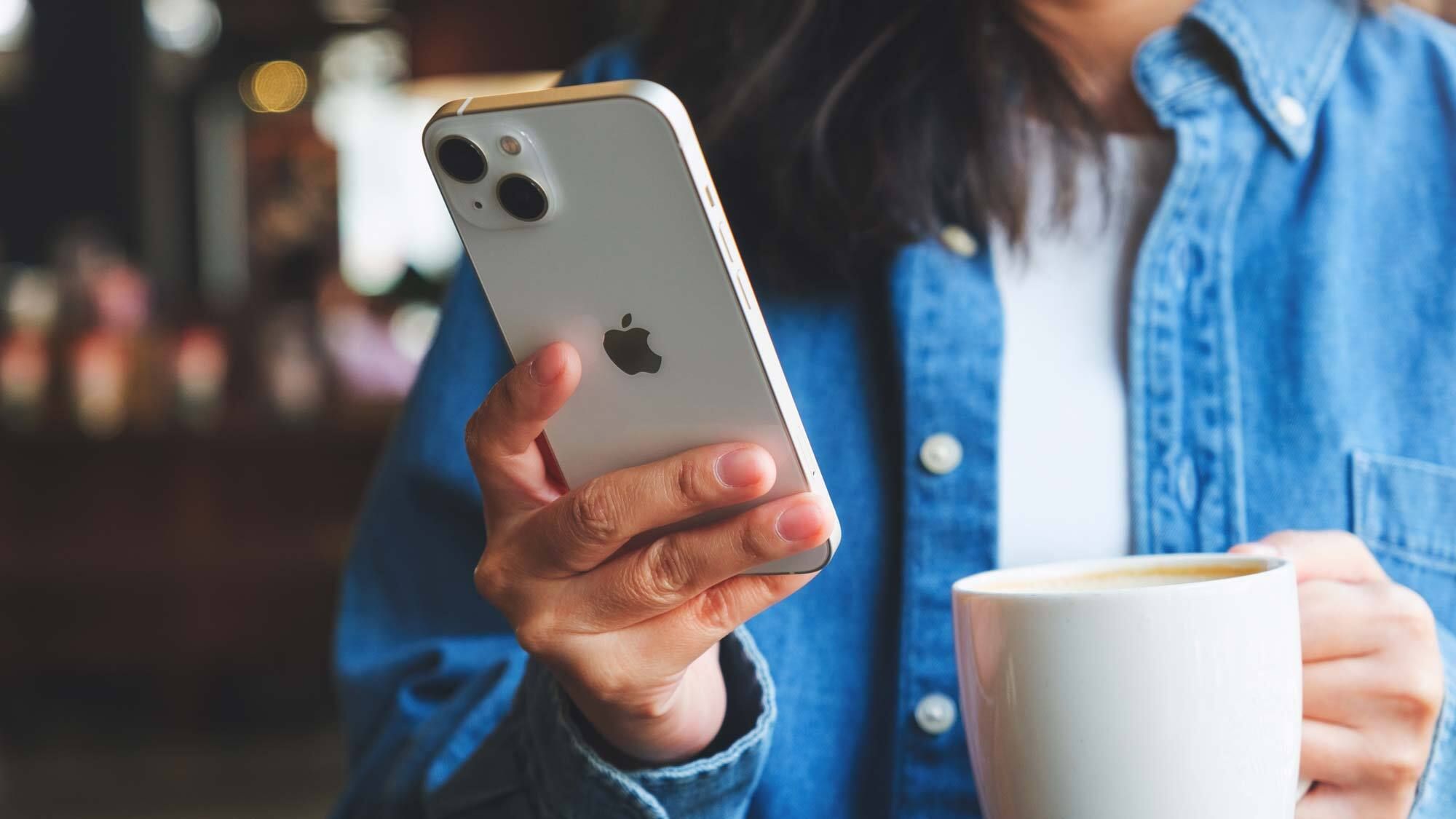
By now, you should feel more comfortable and knowledgeable about your device. But if you want to continue learning, I recommend checking out the complete collection of iPhones on GSMpro to discover more about other models that might interest you, such as the iPhone 17 Pro Max .
At the end of the day, the beauty of an iPhone is that it caters to both novice and veteran users, offering an intuitive and powerful experience. What features are you most excited to explore on your new iPhone? Share them in the comments and keep the conversation going. I'm here to answer any questions you may have.