
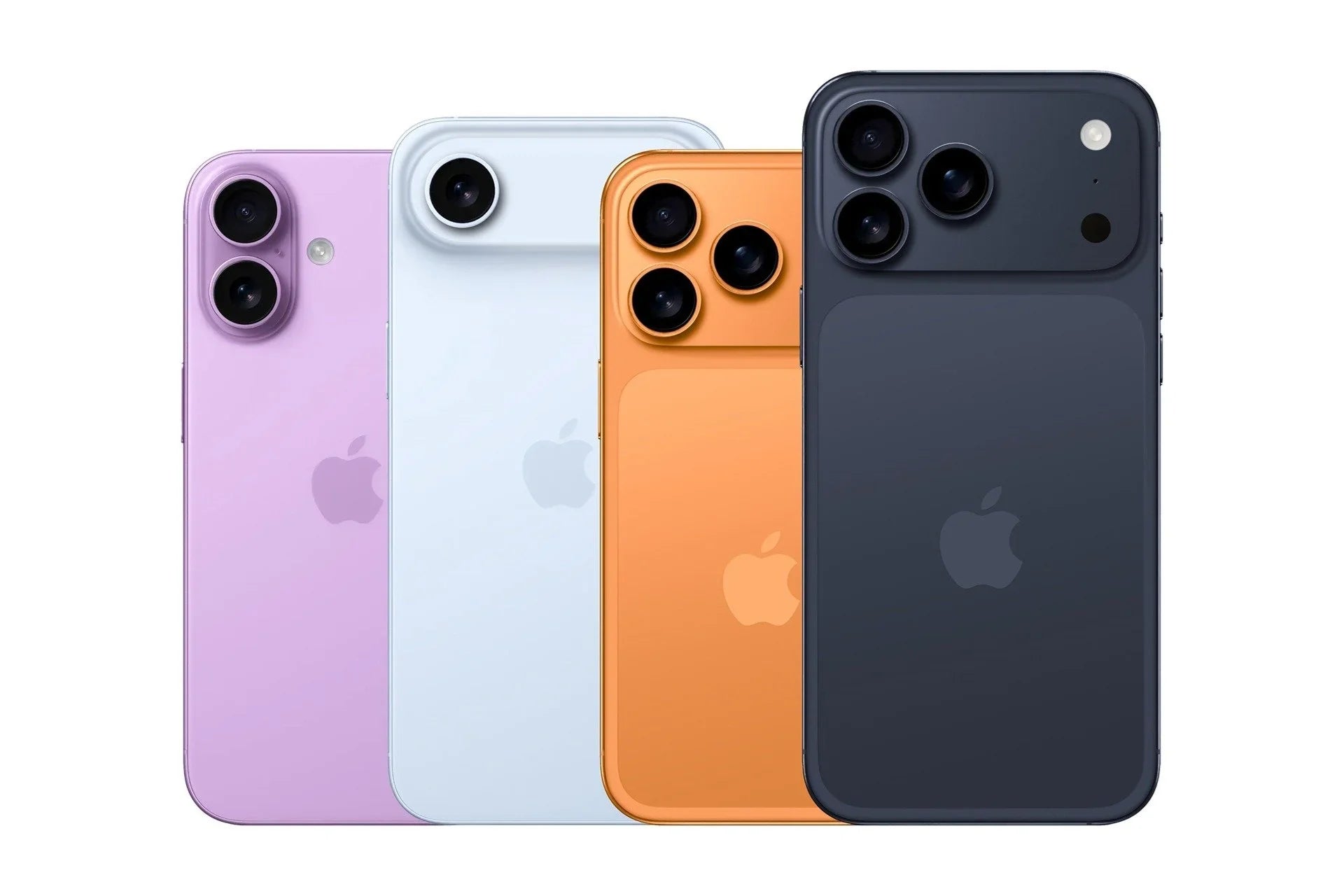
I remember the first time I encountered the dreaded message: "Storage almost full." It was a few years ago, with my trusty iPhone 6, and since then, I've learned a few tips I want to share with you for quickly freeing up space on your iPhone without sacrificing important things.
Identify the Large Consumers of Storage
The first thing I do is check which apps are using the most space. To do this, I simply go to Settings > General > iPhone Storage. There, I see a clear breakdown of what's taking up the most space. In my experience, apps like Facebook and Photos usually top the list.
What to do with large apps?
In my case, if an app is crucial but consumes excessive space (like Spotify or YouTube), I opt to uninstall and reinstall it . This can refresh the storage used by the cache. You can also opt for lighter versions of some apps if they are available.
Photos and Videos: The Great Dilemma
Photos and videos are precious memories, but they can take up a lot of space. My advice is to use iCloud Photos to store your photos at full size in the cloud while keeping optimized versions on your device. This way, you don't sacrifice quality.
I also often transfer long videos to my computer or Google Photos. Oh, how it hurt to delete a video from my last vacation because I wasn't prepared with storage!
Take advantage of the Download Unused Apps feature
Starting with iOS 11, Apple introduced a feature to automatically download unused apps . For example, some games I haven't opened in months are automatically downloaded, preserving the data but freeing up space. This is perfect for those times when you need to free up space immediately.
Consider changing your device

If storage space remains a constant dilemma, perhaps it's time to consider a device with greater capacity or a newer model. I recommend checking out options that offer a balance between performance and storage, such as the Refurbished iPhone 15 Pro or the iPhone 16 Plus . You can find more options in the iPhones collection.
Now I ask you, what's your favorite strategy for freeing up space on your iPhone? Share in the comments and let's keep learning together. If you'd like more information about iPhones and other devices, feel free to visit GSMPro .
1 comment
Felipe
Hace mas de un mes compre un pixel 9 pro, casi 1 millon de pesos. Aun nada, no responden mensajes. Sus canales de atencion no sirven para nada. No caigan en esta empresa fraudulenta.