
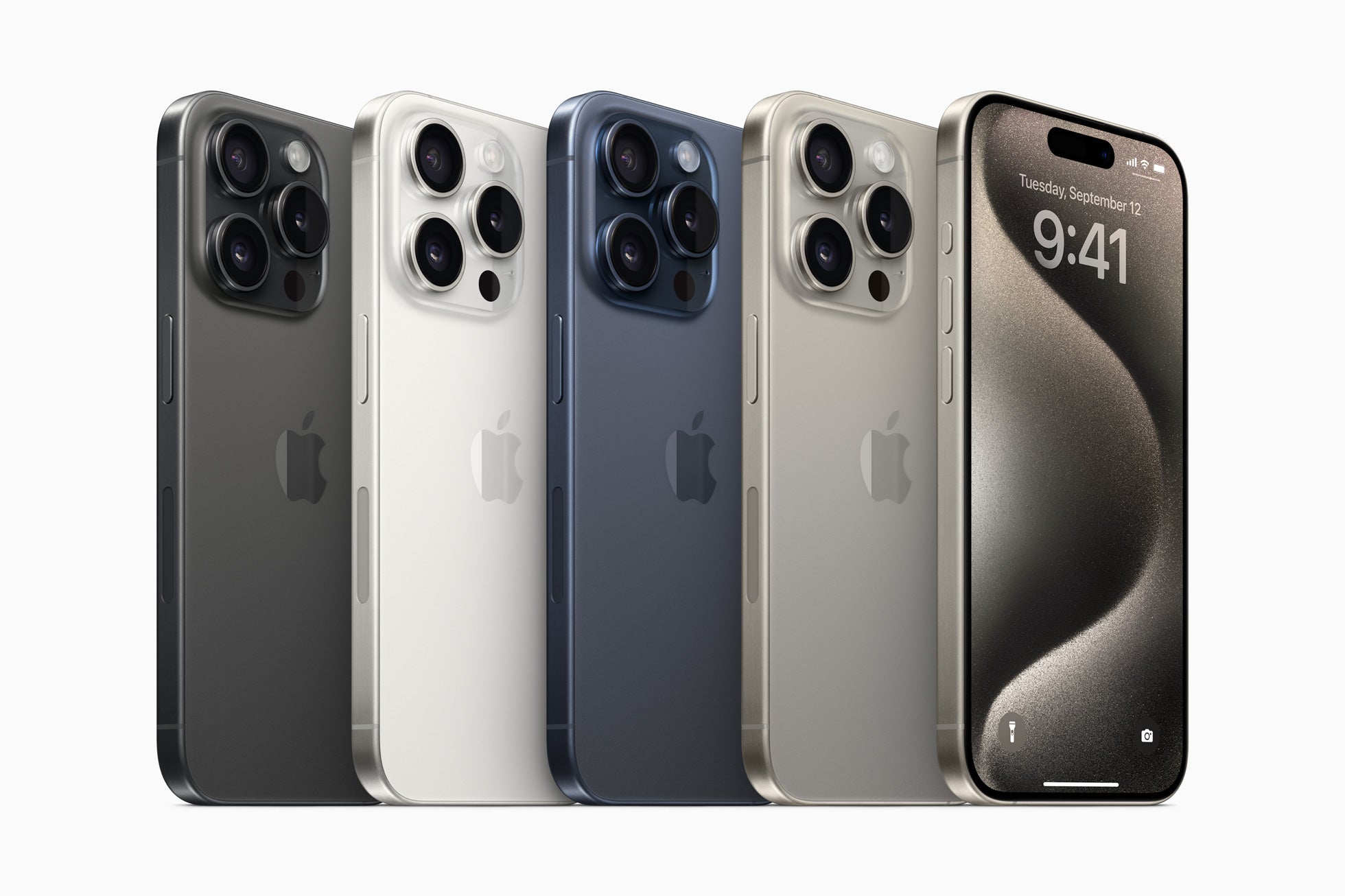
Since getting my first iPhone over ten years ago, I've witnessed the rapid evolution of security on these devices. I remember the panic I felt when I tried to unlock my iPhone 4 and realized I'd forgotten my passcode. Since then, I've learned a few tricks that have helped me keep my information safe, and today I want to share them with you.
Activate Two-Factor Authentication

Like many of you, I'm careful about sharing my phone number or email address, but what happens when someone tries to access your account from another device? This is where two-factor authentication becomes your best defense. This system ensures that any login attempt to your account requires a second verification step, such as a code sent to your iPhone. On models like the Refurbished iPhone 15 Pro Max , this feature is more readily available and works flawlessly.
Use a more complex access code
While it might be tempting to use a four-digit code "just in case I forget the complex," in the long run, a longer code is more secure. To change it, simply go to "Settings," then "Face ID & Passcode," and adjust the code length to a six-digit code or even an alphanumeric password. This simple step has added a layer of peace of mind to my daily life.
Verify Location Access
Once, while playing around with my old iPhone 6, I discovered that many apps had access to my location when they didn't really need it. This is not only a potential security vulnerability but also a battery drain. In your "Privacy" settings, review which apps have access to your location and adjust the preferences for each one.
Always update your iOS

It seems obvious, but keeping your software up to date is probably the most effective way to ensure your device is secure. Updates not only bring new features but also fix vulnerabilities. And with each new release, like the iPhone 16 Plus , these patches become even more robust and essential.
Protect your Data with Face ID or Touch ID

Finally, as our iPhones become more integrated into our lives, protecting our data with Face ID or Touch ID has become essential. These features not only offer added security but also save us the time we used to spend typing passwords. This feature is particularly prominent in the iPhone 14 Plus , which I recently reviewed, and it continues to improve its recognition capabilities.
Ultimately, these small adjustments can make a big difference to your iPhone's security. I'd love to hear from you: What other methods do you use to keep your devices secure? If you're interested in exploring more iPhone options, you can see the full collection here .
I hope you find these tips helpful and that you feel as secure with your iPhone as I do. What's your must-have security trick?