
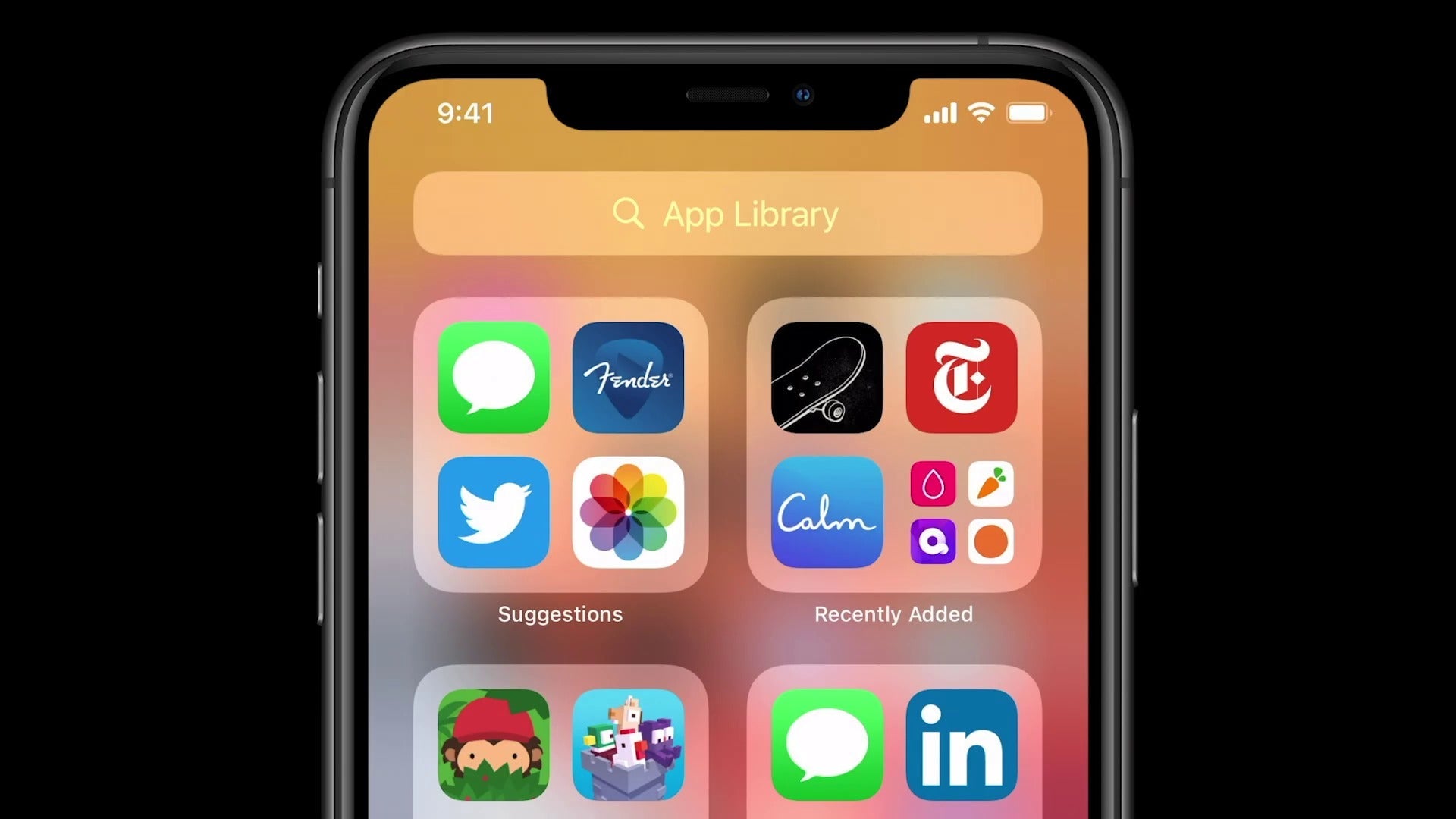
Have you ever wondered why some iPhone users seem to have a much smoother and faster experience with their devices? I used to ponder the same thing, wondering if there was some hidden secret I was missing. After more than a decade of using iPhones, from the revered iPhone 4 to the groundbreaking iPhone 17 Pro Max, I've compiled a few tips that transformed my daily experience. These secrets aren't locked away, but they can dramatically improve your iPhone's performance without spending any extra money .
Turn off background apps

Background apps are little resource thieves. In my early years with the iPhone, particularly with a refurbished iPhone 12, I noticed my battery draining faster than expected. Controlling which apps could run in the background made a huge difference.
- Go to Settings > General > Background App Refresh.
- Disable the apps you don't need to constantly update.
Why is this important? You'll save battery and system resources that can be used for more important tasks.
Regular Cleaning of Storage

One of my best practices that I've learned over time is to keep my iPhone storage as uncluttered as possible. Especially with models like the refurbished iPhone 13 Pro, I've learned that less is more.
- Photos and videos: Transfer regularly to a hard drive or use cloud services.
- Unused apps: Delete the ones you haven't used in the last month.
This not only speeds up the device, but also frees up space for new apps and photos that really matter.
Reduce Transparency and Motion
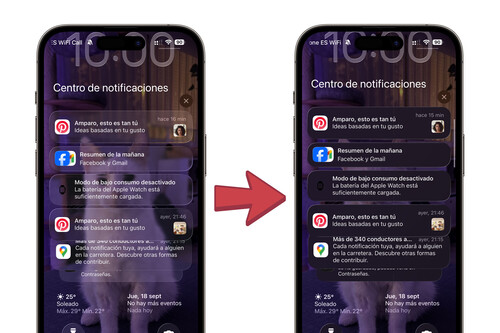
Recently, a good friend asked me how my used iPhone 14 Plus seemed to run faster than his, even though it's the exact same model. Here's the trick:
Settings > Accessibility > Movement:
Activate “Reduce Movement”.
Settings > Accessibility > Display and text size:
- Activate "Reduce Transparency".
These options help make the interface feel more responsive and less demanding on the hardware.
Use the App Library

The App Library, introduced in iOS 14, quickly became one of my favorite organizational tools. I encourage all iPhone 17 Pro Max users to explore its ability to efficiently sort and search apps.
Organizing your apps not only makes it easier to find what you need, but it also reduces the time your iPhone spends searching for and running unnecessary processes.
Constant Updates
The most basic, yet crucial, piece of advice is to keep your iPhone updated. Apple is always releasing iOS updates that improve performance and security. In my experience, having done this since my iPhone 6 days, I've consistently seen improvements in performance and stability.
Recommended Products
If you're looking to upgrade your device, I recommend checking out our full collection of iPhones . It's always good to know what options are available and how they might suit your needs.
At the end of the day, improving your iPhone's performance is an ongoing journey of small tweaks and big discoveries. I hope my experiences and these tips are a good starting point for achieving the outstanding performance we all desire. Do you have any other tips that have worked for you? I'd love to hear your thoughts in the comments.
Visit GSM Pro for more tech tips and solutions.