
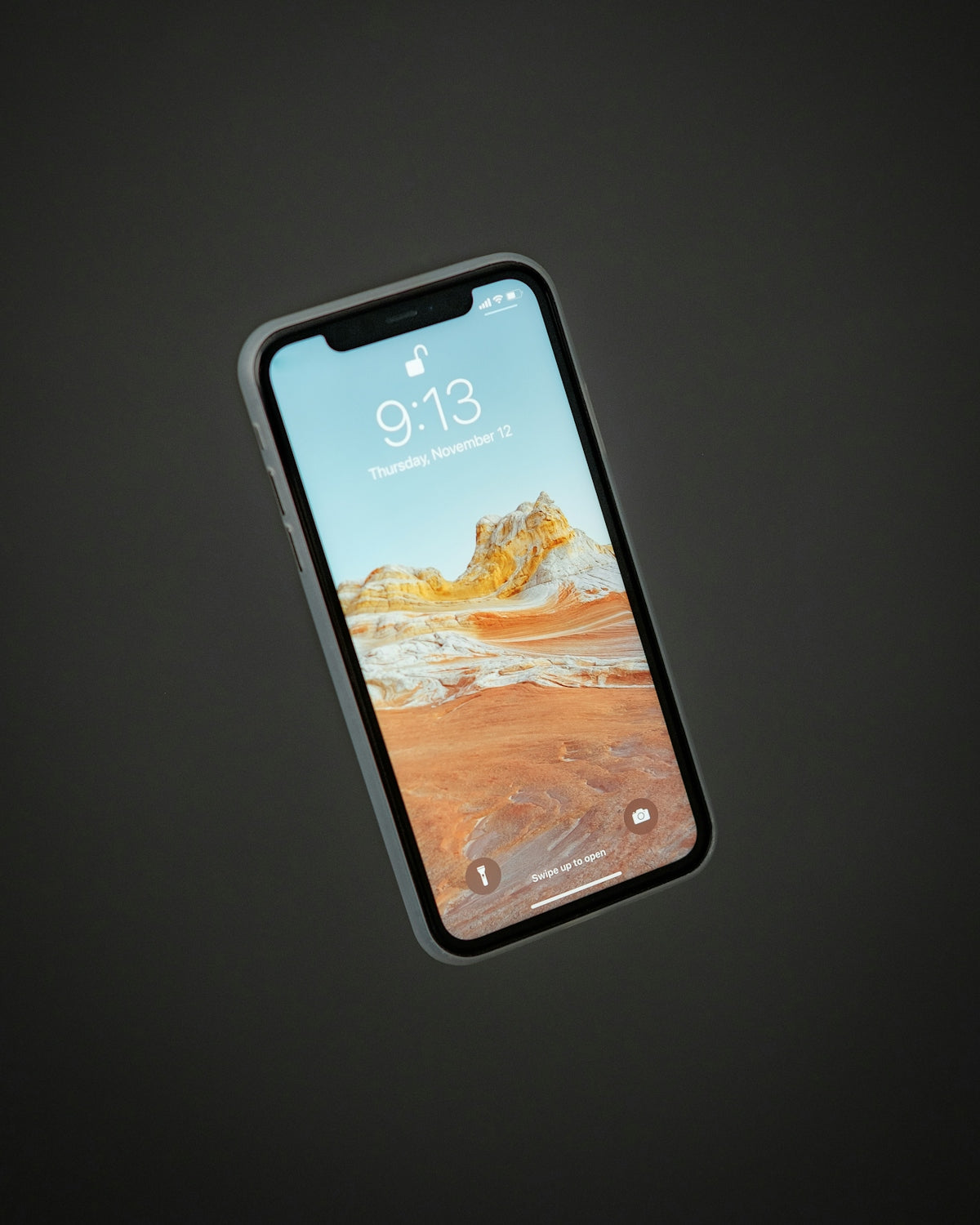
If you've ever felt a slight shiver when thinking about your iPhone's security, you're not alone. I've been using iPhones since the days of the iPhone 3GS, and each release brings improvements not only in features but also in security. However, keeping personal data safe still requires a little attention on our part. Here are five essential tips I use to secure my iPhone, from the early days of iOS to the latest updates.
1. Use Face ID or Touch ID

Since Apple introduced Touch ID with the iPhone 5s and later Face ID with the iPhone X, unlocking the iPhone has become more secure and convenient. In my experience using Face ID on my iPhone 14 Pro Max , I've found it to be a quick and secure way to protect access to the device. Configure these tools from 'Settings > Face ID & Passcode' or 'Touch ID & Passcode' to ensure that only you can unlock it.
2. Keep iOS updated

Although it might seem like basic advice, many users postpone updating iOS. I've personally noticed how updates bring crucial security improvements. The latest versions of iOS fix vulnerabilities present in previous systems. Go to 'Settings > General > Software Update' to check if you have the latest version . This is especially important if you're using older models, like an iPhone 11 Pro , which I have as a backup.
3. Activate "Find My iPhone"

This tip has saved my day more than once. With 'Find My iPhone', you can not only locate your device if it's lost, but you can also remotely lock it or erase its contents. Make sure you turn this feature on in 'Settings > [your name] > Find My > Find My iPhone' . I remember when I briefly lost my iPhone 13 in a taxi, this feature allowed me to quickly recover it.
4. Set strong passwords
Using a simple password is almost like leaving your front door unlocked. By setting a strong, unique password, you add an extra layer of security. My trick is to combine words, numbers, and symbols that are easy to remember but difficult to guess.
5. Intelligent management of your applications
Only keep apps you use regularly and review the permissions you've granted to each one. Apps with unnecessary access to your location, photos, or contacts could be a risk. I always check in 'Settings > Privacy' and take stock of my installed apps.
With these five tips, you can have greater peace of mind about your iPhone's security and focus on enjoying everything it has to offer. Remember, keeping your data safe starts with simple, everyday actions. What other security tips do you use with your iPhone? I'd love to hear them in the comments.
To discover more iPhone options, you can visit the complete collection at this link .