

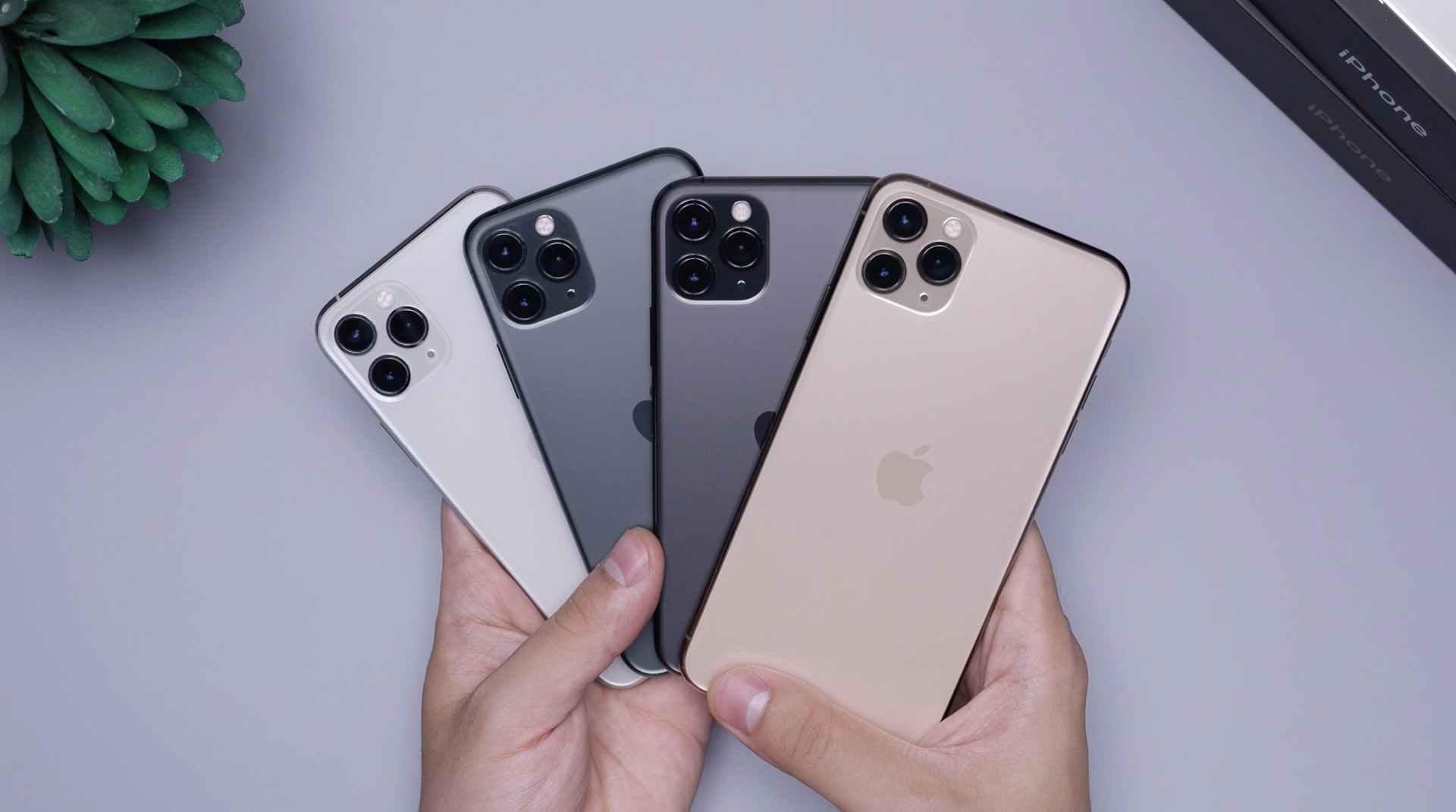
Since buying my first iPhone back in 2007, I've gone through a decade of upgrades, model changes, and, at times, technological frustrations. Like many of you, I've witnessed the evolution of a device that, in its early days, was simply a novelty, and which today has become an essential part of our daily lives. Today I want to share some iPhone tips you might not know that can significantly improve your everyday experience with this amazing device.
We've all had that moment when we get a new iPhone and are thrilled by all the possibilities it offers. However, there are also those hidden little details that, when discovered, can change the way we use our phones. In my experience, finding those tricks is like discovering a little technological treasure in your pocket.
Throughout this guide, I'll mention some notable iOS models and versions that I've used extensively. I'll also include links to models like the iPhone 16e and iPhone 13 for those considering upgrading.
1. Free up space without deleting apps
Storage has always been a crucial issue, especially for someone like me who takes a lot of photos and videos. I still remember my 16GB iPhone 5s, where I constantly had to delete apps. Now, iOS provides smart options to free up space without having to delete apps.
- Uninstall unused apps: Go to Settings > General > iPhone Storage. Here you can enable the option to automatically uninstall apps you don't use frequently.
- Review large files: In the same menu, check which applications are taking up the most space and decide if you can delete some files within them.
2. Trick for fast charging
We've all been there: you're leaving the house and you notice your iPhone is at 10%. In the past, I was desperate, searching for a solution. Here's a short but effective tip I learned with my iPhone X.
- Airplane mode to the rescue: By activating airplane mode, your iPhone charges faster because it disables cellular, Bluetooth, and Wi-Fi connections that normally drain the battery.
3. Siri, your silent assistant
I'm a big fan of Siri, although I admit it can be a bit erratic at times. However, it has some very useful and underrated features.
- Convert units and currencies: Simply say something like "How many euros is 50 dollars?" to Siri and you'll get an instant answer.
4. Customize your control center
In my early experiences with the iPhone, customizing the experience was often limited. Remember the iPhone 4, where the options were minimal? Fortunately, we can now customize Control Center, making it easier to access the features that matter most to us.
- Quick access to your favorite tools: Go to Settings > Control Center and add or remove the tools you want to have at your immediate disposal.
5. Do not obstruct drivers
I remember being frustrated with notifications while driving. This feature has been incredibly useful in helping me avoid dangerous distractions on the road.
- 'Do Not Disturb' mode while driving: Activate it from the Control Center or set it to activate automatically when connecting to the car via Bluetooth.
6. Navigation safety
Security has always been a hot topic when it comes to smart devices; our iPhones are no exception. One thing I frequently do is avoid using public Wi-Fi networks without adequate protection.
- Use a VPN: Consider installing a VPN app to keep your data encrypted and secure while browsing on public networks.
Link to our iPhone collection
While you're exploring these tips, if you're considering changing models or learning more about the different options available, I invite you to visit the iPhone collection to see the full range of available devices and choose the one that best suits your needs.
What iPhone tips have you discovered that have been life-changing? Are there any tricks you think I should know? Leave your comments and share your experience! That way we can all learn and improve our use of this amazing technology together.